
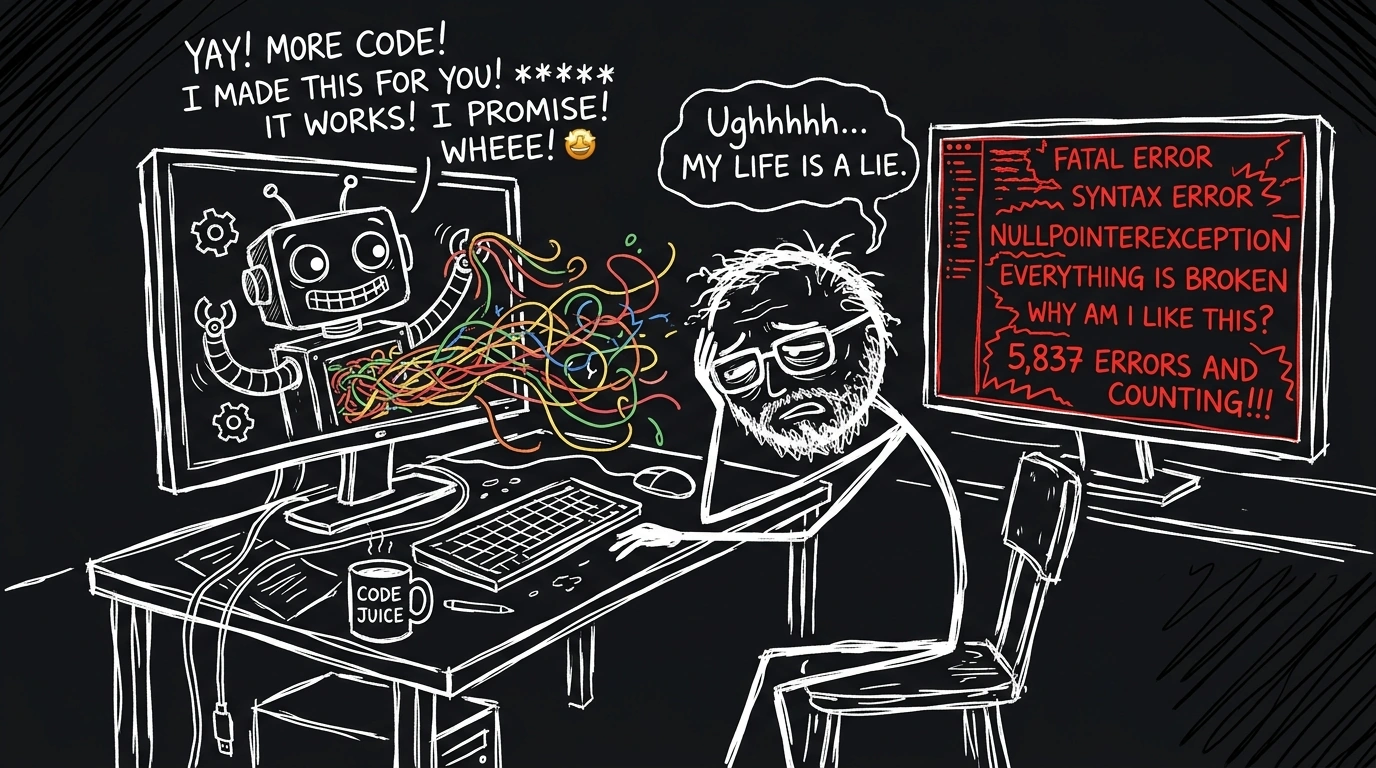
TL;DR — Handing Cursor AI accounts to developers without strict rules is like giving a Ferrari to someone without a driver’s license: thrilling for 5 minutes, followed by a total wreck. AI-generated code looks functional on the surface, but underneath lies architectural spaghetti, hallucinatory business logic, and extreme risks of leaking internal API keys. This post breaks down a practical engineering playbook: from layered tooling strategies and dual-window workflows to Zero Trust security and a 2-tier Rules & Skills framework that gets AI code right on the very first prompt.
1. The “Spaghetti Code Trap”: When AI Turns Engineers into Trash Collectors
Have you ever been caught in this nightmare?
You type a massive prompt into Cursor: “Build me an invoice payment service with Kafka and Redis caching support”. Cursor blinks for a few seconds and spits out 500 lines of impressive-looking code. You happily click Accept. But 10 minutes later, when you hit run, the server explodes with 40 syntax errors, bizarre class imports, and the database payment logic completely bypassed!
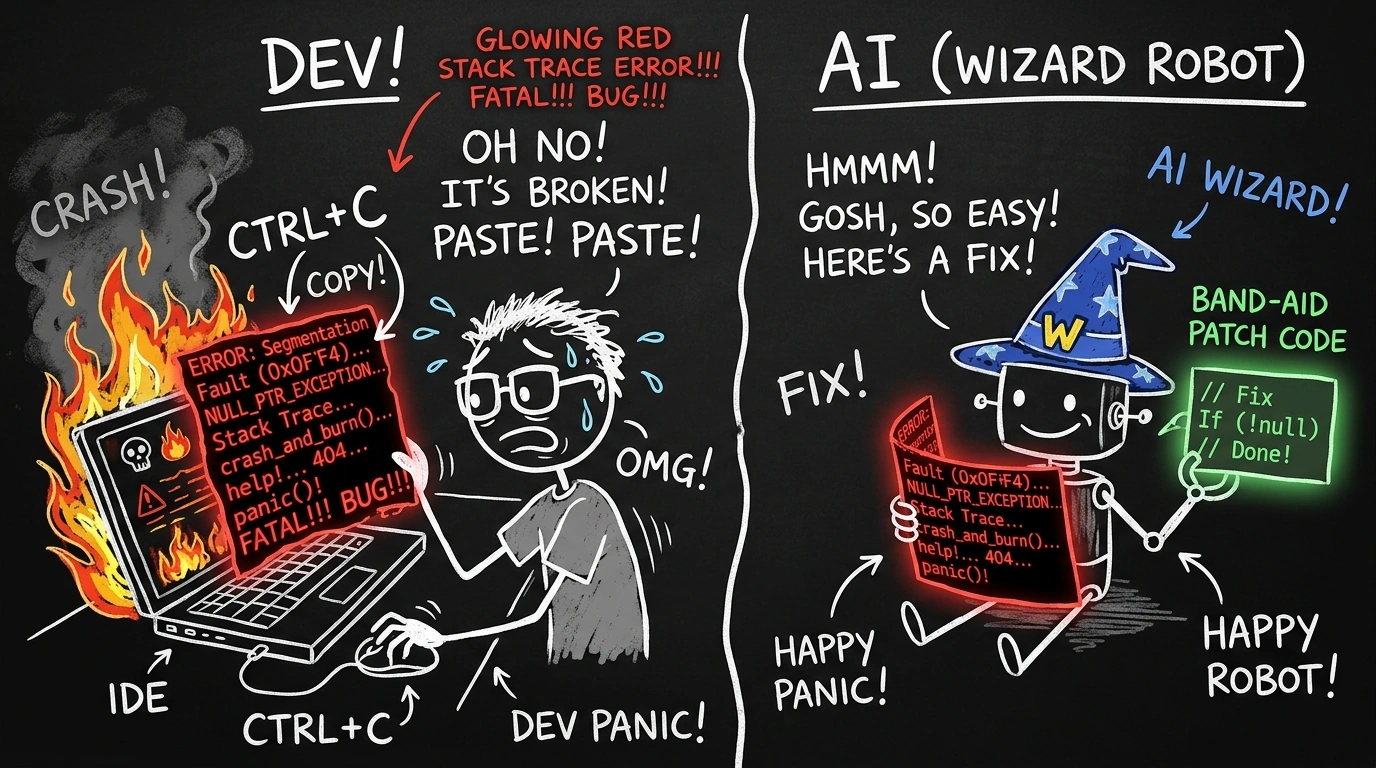
What is the root cause?
Cursor is NOT a Senior Engineer sitting inside your computer. At its core, an LLM is a next-token prediction engine based on GitHub probabilities. When given a vague question, it hallucinates the most generic solution possible — one that inevitably shatters when dropped into a complex real-world microservices architecture.
AI-generated code must undergo 3 mandatory survival steps: Review ➔ Refine ➔ Business Logic Integration before anyone dares type git commit.
To align our entire team’s mindset, we established a 3-Layer Tooling Strategy:
| Tool Layer | Primary Tools | Role | Main Responsibilities |
|---|---|---|---|
| Layer 1 — AI-Native Dev | Cursor AI | Core Development Tool | Code drafting, multi-file refactoring, unit test generation, repetitive task automation |
| Layer 2 — UI Prototyping | Lovable, v0.dev, Stitch | Frontend Design Spec Source | Fast UI prototyping, pre-built layouts, component templates via natural language |
| Layer 3 — Execution | IntelliJ, VS, Rider | Execution & Verification | Build execution, attached Debugger, heap/thread monitoring, profiling before deployment |
📌 Core Rule: Cursor is where you write code, traditional IDEs are where you run and debug. Both windows must stay open side-by-side 50/50 on every engineer’s screen.
2. Backend Workflow: 3-Step Dual-Window Loop
A common mistake among new Cursor users is forcing AI to open terminals, run build commands, and then asking AI why the build failed. This burns tokens needlessly and is painfully slow.
The optimal approach is the Dual-Window Workflow:
┌──────────────────────────────────────┐        ┌──────────────────────────────────────┐
│          CURSOR AI (Coding)          │        │    IDE: IntelliJ / VS / Rider        │
├──────────────────────────────────────┤        ├──────────────────────────────────────┤
│ ➔ Draft entire source code           │        │ ➔ Boot server & attach Debugger      │
│ ➔ Generate Boilerplate               │        │ ➔ Monitor runtime logs, heap/thread  │
│ ➔ Multi-file Refactoring via Agent   │        │ ➔ Run test suites & check coverage   │
│ ➔ Analyze exported Stack Traces      │ ◄────► │ ➔ Export Stack Traces on failure     │
└──────────────────────────────────────┘        └──────────────────────────────────────┘
The 3-Step Practical Loop:
- Dual-Environment Setup: Open traditional IDE, boot the server in Debug mode. Open Cursor on the same project repository. Throughout the day, the traditional IDE maintains the running application state.
- Development Loop:
- On Cursor: Prompt AI to generate Controllers, Services, or Refactor code.
- Save file ➔ Traditional IDE hot-reloads / rebuilds the app automatically in 1-2 seconds.
- Observe runtime logs directly in IDE. If smooth ➔ proceed. If errors arise ➔ fix immediately in Cursor.
- Advanced Debugging (3 AM Crash Scenarios):
- Hitting complex runtime bugs? Don’t guess prompts! Set Breakpoints in IDE, step-through line-by-line to inspect actual variable values (
null,undefined, or incorrect types). - Copy the exact Stack Trace from the IDE console, paste into Cursor chat with:
"Analyze root cause of this stack trace and propose a minimal patch". AI pinpoint the exact failing line instantly!
- Hitting complex runtime bugs? Don’t guess prompts! Set Breakpoints in IDE, step-through line-by-line to inspect actual variable values (
3. Frontend Workflow: 3-Step Pipeline from Mockup to Production
Frontend AI disasters usually fall into two categories:
- Prompting CSS tweaks until the responsive layout collapses on mobile.
- Seeing a beautiful v0/Lovable mockup and copy-pasting raw HTML/React garbage directly into the project repo, duplicating CSS and destroying project conventions.
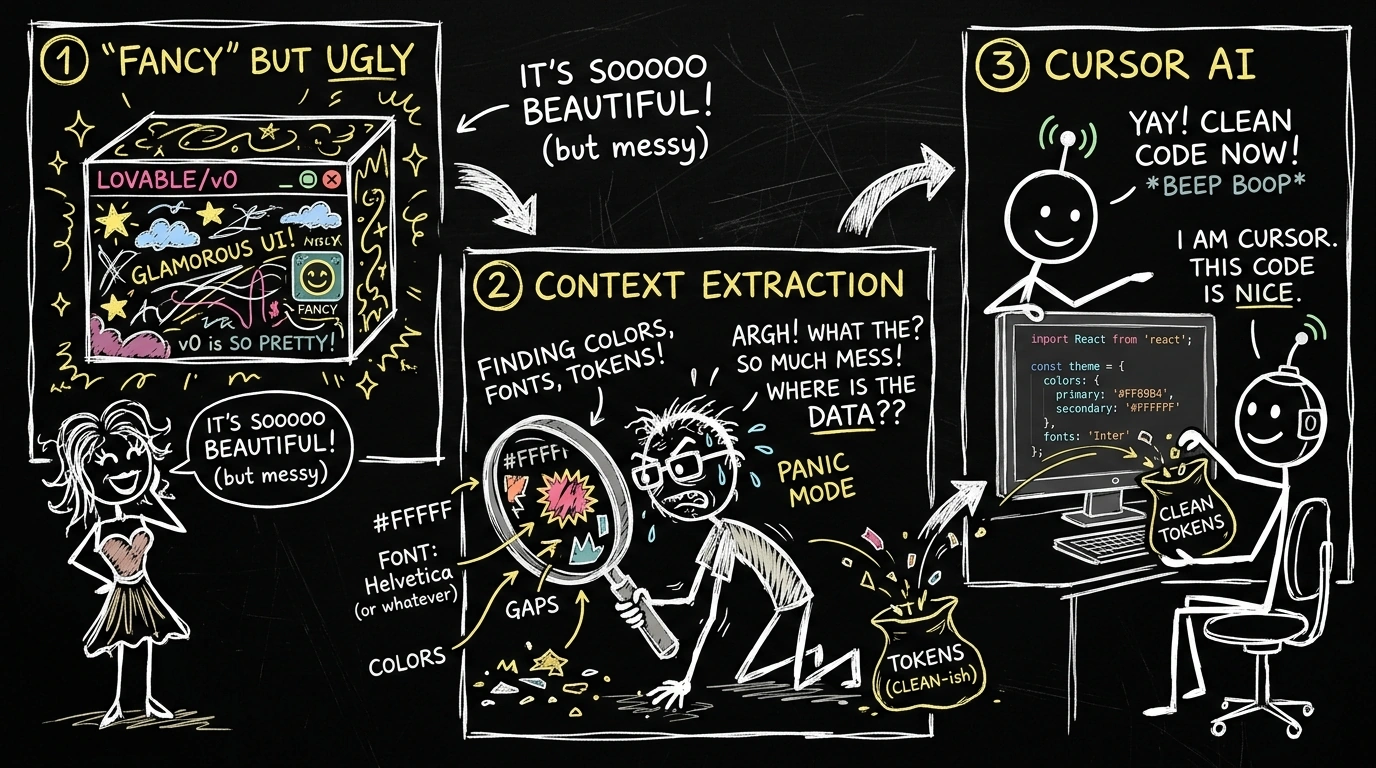
To solve this permanently, we enforce a 3-Step UI Conversion Pipeline:
Stream A — Minor Fixes / Single Component Additions
Work directly in Cursor by attaching context (e.g., current component file + CSS spec or screenshot of UI bug).
Stream B — Brand New UI / Major Refactor (3-Step Pipeline)
Step 1: Create UI Prototype from Lovable / v0.dev / Stitch
Describe desired UI using natural language. The output is strictly a Visual Artifact (reference design) — Never paste this raw code straight into production!
Step 2: Context Extraction
Engineers inspect the visual mockup and extract technical specifications:
- Color, Font, Spacing: Convert to project CSS custom properties or Design Tokens (Tailwind config, SCSS variables).
- Component Breakdown: What needs to be built fresh? What can be reused from existing UI libraries (AntD, Shadcn, MUI)?
- Data Flow (State): What state is local? What state belongs in global store (Redux, Signals, Zustand)?
- Layout: Annotate Flexbox / Grid usage to recreate exact layouts within the real framework.
Step 3: Conversion via Cursor
Feed the technical context extracted in Step 2 into Cursor:
"Build BillingCard component using Angular 17 Standalone based on current Tailwind config. Use Signals for local state and inject BillingService for API calls."
Result: AI outputs code that is 100% styled correctly, follows project conventions, and is free of technical debt!
4. Zero Trust Security: Don’t Trade Secrets for AI Convenience
In enterprise environments (Telecom, Finance, Healthcare, Government), security is survival. An engineer accidentally pasting a code snippet containing JWT_SECRET or DB_PASSWORD into an AI prompt can expose an entire infrastructure on the internet.
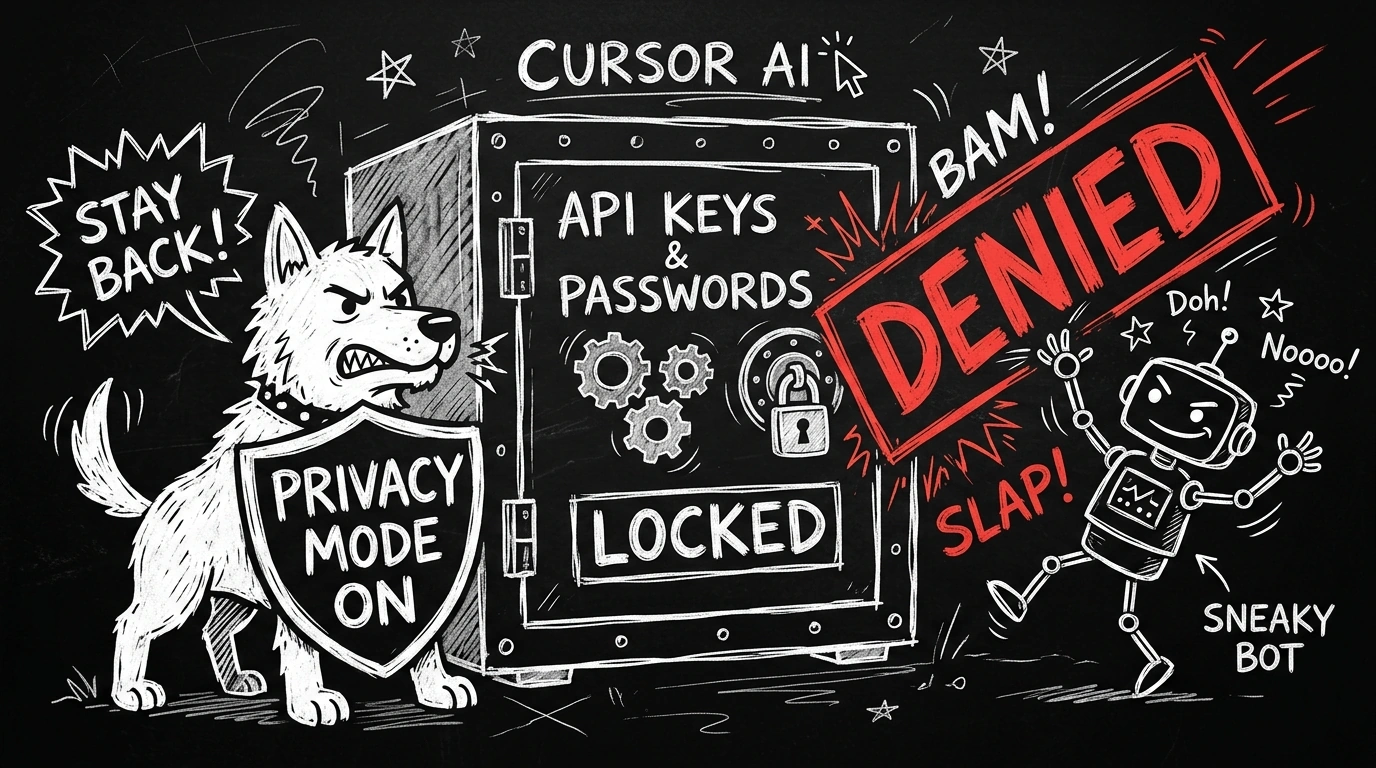
We enforce a strict Zero Trust Security model across all developer workstations:
                          ┌───────────────────────────┐
                          │   CURSOR SECURITY MODEL   │
                          └─────────────┬─────────────┘
                                        │
             ┌──────────────────────────┼──────────────────────────┐
             ▼                          ▼                          ▼
   ┌───────────────────┐      ┌───────────────────┐      ┌───────────────────┐
   │   Privacy Mode    │      │    MCP Server     │      │ Secret Management │
   │  ALWAYS ON (Mandatory)   │  Deny All Default │      │   Zero Hardcode   │
   │ Prevents code sending    │ Strict management │      │ Use env vars &    │
   │ to 3rd-party LLMs │      │  via mcp.json     │      │ .cursorignore     │
└───────────────────┘ └───────────────────┘ └───────────────────┘- Privacy Mode = ON (100% Mandatory): Ensures all source code sent to LLMs has zero-data retention and is never used to train future AI models.
- Codebase Indexing = ON: Enables Cursor to create Local Indexing on the developer’s machine. AI understands full project structure without data leaving controlled infrastructure.
- MCP (Model Context Protocol) Server: Deny All by Default. Engineers are strictly forbidden from installing arbitrary MCP Servers with file system read/write access. Only MCP servers listed in
mcp.jsonreviewed by Tech Leads are permitted. - Secret Management: Strictly prohibit hardcoding API keys, passwords, or secrets in code or prompts. All sensitive configuration files (
.env,credentials.json,keystore) must be added to.cursorignore.
5. Architectural Standardisation via *.md Docs
As microservices expand, missing documentation causes developers to waste hours asking: “What payload does this endpoint take?”, “How do I run this service locally?”.
We turn Cursor into an automatic doc generator via standard prompts:
┌─────────────────┬──────────────────────────────────┬───────────────────────────────────────────┐
│ Document File   │ Mandatory Contents               │ Sample Cursor Prompt                      │
├─────────────────┼──────────────────────────────────┼───────────────────────────────────────────┤
│ README.md       │ Local setup, envvars, stack      │ "Read entire project and generate README" │
│ API.md          │ List REST endpoints, req/res     │ "List REST endpoints with HTTP statuses"  │
│ ARCHITECTURE.md │ Dataflow, Message Queue, DB      │ "Describe internal architecture & deps"   │
└─────────────────┴──────────────────────────────────┴───────────────────────────────────────────┘
6. Knowledge Governance via 2-Tier Skills & Rules
To prevent AI from going rogue or straying from project standards, you must provide a clear rulebook. We govern AI context using Skills and Cursor Rules.
6.1. Skills Management (.cursor/skills/)
Skills are specialized *.md files containing domain or tech stack knowledge.
.cursor/
└── skills/
    ├── enterprise/             # [Management — Read Only]
    │   ├── security-forbidden.md
    │   └── code-conventions.md
    ├── team/                   # [Tech Lead Managed — Per Project]
    │   ├── billing-rules.md
    │   ├── kafka-schema.md
    │   └── springboot-conventions.md
    └── personal/               # [Per Engineer — Git Ignored]
└── my-shortcuts.md- Usage: Drag and drop
*.mdfiles into Cursor chat windows when working on related modules, or call@filedirectly in.cursorrulesto auto-load upon project startup.
6.2. 2-Tier Cursor Rules System (.cursorrules & .mdc)
The .cursorrules file acts as the Constitution forcing AI to adhere strictly to all engineering conventions.
Tier 1: Enterprise Rules (~/.cursor/rules/enterprise.mdc)
Enforced across all company engineers, overriding is strictly forbidden:
# TTKDGP Enterprise Rules – DLS Dept
## Language & Communication
- Always respond in Vietnamese in comments and explanations.
- Variable, function, and class names in English using camelCase / PascalCase.
- Commit messages strictly follow Conventional Commits (feat/fix/refactor...).

## Security — STRICTLY FORBIDDEN
- NEVER hardcode API keys, passwords, tokens, or secrets in any file.
- NEVER independently write auth, authorization, or encryption logic — notify Senior.
- NEVER log sensitive information (phone numbers, IDs, customer PII).

## Code Quality
- Functions must not exceed 50 lines. Split if larger.
- Always add Javadoc / Docstrings for public methods.
- No magic numbers — declare named constants with clear semantic meaning.
Tier 2: Team Rules (.cursor/rules/*.mdc)
Crafted by Tech Leads per project stack (Spring Boot, Angular, React…):
# Team Rules — Backend Java/Spring Boot
- Use Repository Pattern. Do not call DB directly from Controller or Service.
- Centralized Exception handling via @ControllerAdvice — no isolated try/catch.
- Response always wrapped in team standard ApiResponse<T> wrapper.

# Team Rules — Frontend Angular
- DO NOT use React, JSX, Vue. Angular + TypeScript + HTML template only.
- State management: RxJS BehaviorSubject or Angular Signals (Angular 17+).
- Lazy loading mandatory for all feature modules. Standalone component convention.
Conclusion
Using Cursor AI is like managing a brilliant intern who lacks practical production experience. If left unguided, they will break your codebase. But if you provide a clear 3-layer workflow, enforce Zero Trust security, and establish a robust 2-tier Rules framework — you gain a “super assistant” that dramatically accelerates software delivery.
Remember: AI generates code, but engineers are responsible for every line pushed to Production!
Comments (0)